
Digital Photo Organizing & Backup
Your Family’s Story, Finally Organized and Forever Safe.
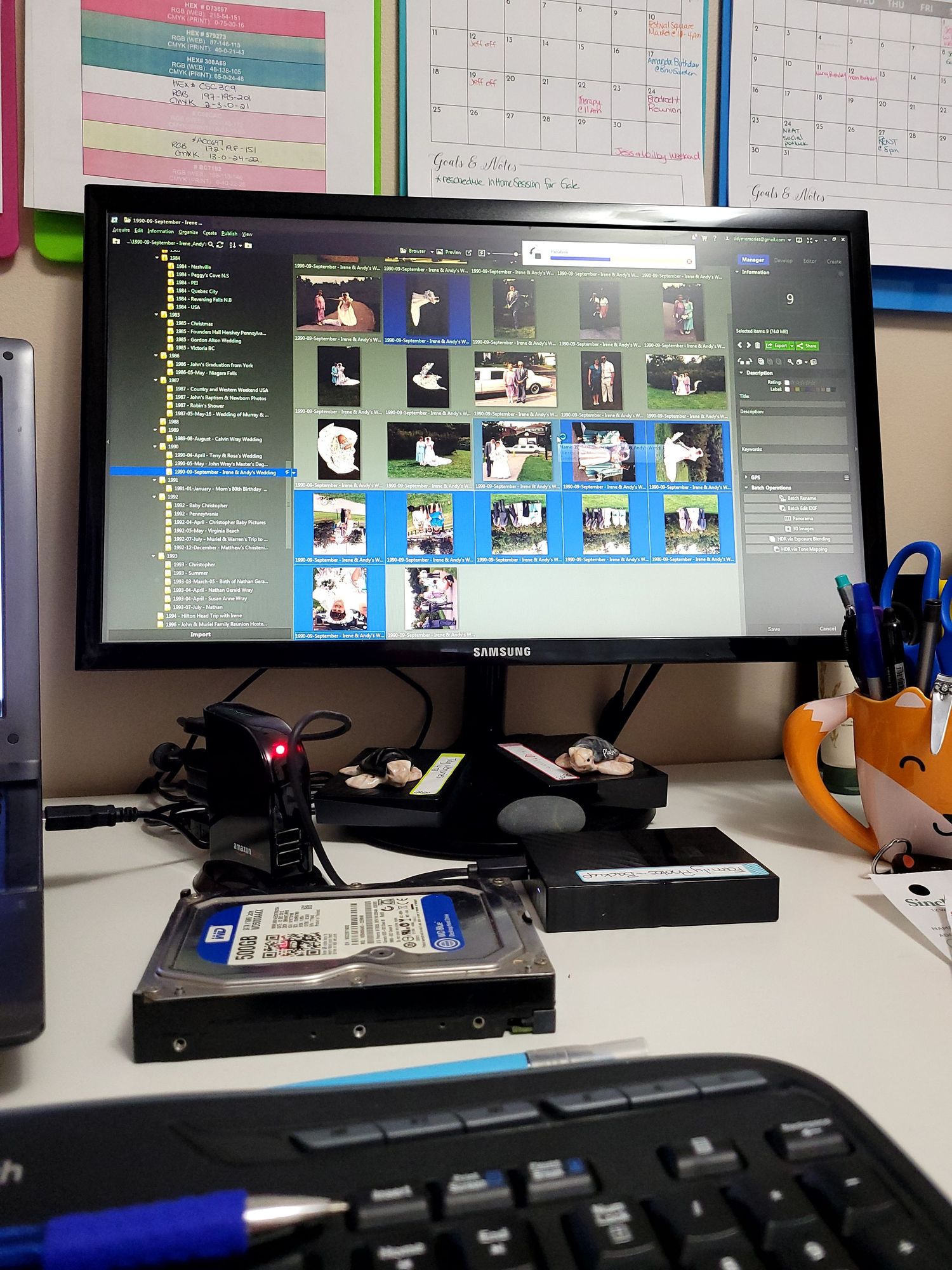
The average family has over 50,000 photos scattered across phones, old computers, dusty hard drives, and forgotten cloud accounts. Memories everywhere — but not truly together.
At Tidy Memories, I gather your entire digital history into one beautifully organized, secure archive. Using the trusted 3-2-1 safety method, your photos are protected against hardware failure, technology changes, and time itself.
I don’t just sort files - I build a clear, searchable digital library that preserves your family’s story for the next generation.
The Digital Photo Organizing Process
Even though every collection is unique, the organizing process is similar.
1. Gather
To start the digital organizing process we must gather all digital files from devices to a Centralized Hub.
The Centralized Hub will be an external hard drive.
2. Remove Duplicates & Digital Clutter
Using specialized software, we will remove exact duplicates. We also remove screenshots, blurry photos, receipts, memes, and more from the main collection.
3. Sort
Once the clutter is gone, we will sort your photos into folders by Year & Month. We can also sort by events & broader categories such as candid/everyday photos, medical photos, etc.
4. Identify & Catalog Photos
Photos are carefully renamed using a consistent YYYY-MM-DD-Event format, then enriched with keywords, tags, and facial recognition to make your collection fully searchable and easy to navigate. **Please note: this step is only available for our Legacy Collection clients.
5. Backup
We follow the industry standard 3-2-1 Backup Method to ensure your photos are safe. You will receive 2 external hard drives and a cloud storage of your completed photo collection archive.
Please note: We do not delete any photos.
Any photos removed from the collection will be save in a folder labelled "Consideration for Deletion". This allows you to ensure nothing has been missed during the sorting process.
Every family begins in a different place.
Choose the level of support that fits your season.

Tier 1: The Essential
Protect the “Now”
Perfect for individuals or couples who want to secure their current digital life.
Coverage:
2 primary everyday devices
(For example: your phone + laptop)
What I Do:
- Consolidate your current photos into one organized master library
- Remove duplicates and digital clutter
- Create a clean, easy-to-navigate year-based folder system
- Set up secure automatic backups for full-resolution protection
- Deliver your organized library onto two professional external hard drives
- One master copy
- One safety backup
- You move forward knowing your current memories are organized and safe.
Starting Investment: $1,500
Tier 2: The Archive
Rescue the “Past”
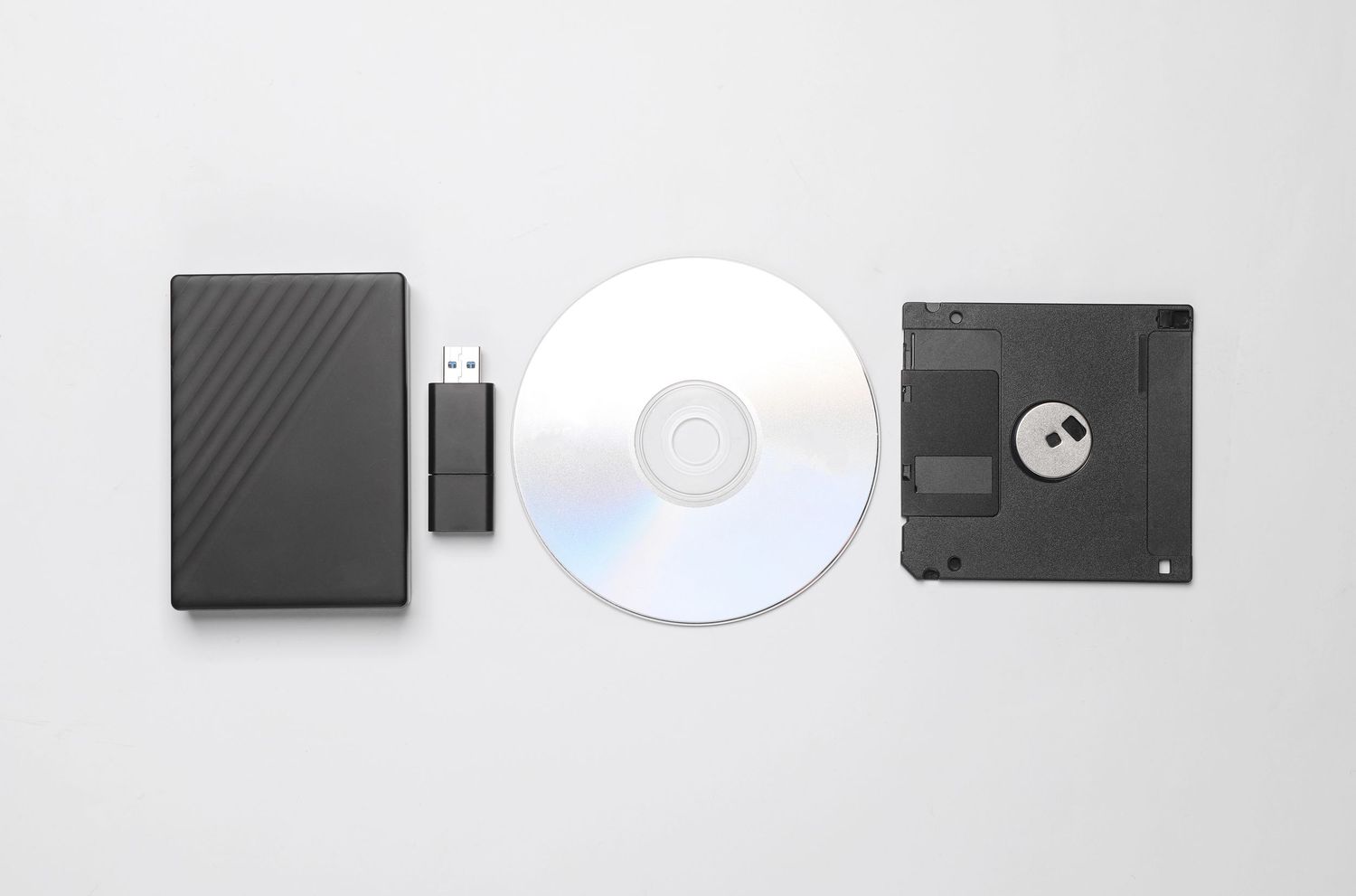
For families with aging hard drives, USB sticks, SD cards, CDs, or old computers filled with forgotten photos.
Coverage:
Unlimited legacy digital media
What I Do:
- Carefully extract photos from old devices before they fail
- Consolidate scattered collections into one cohesive archive
- Remove duplicates and unnecessary files
- Organize everything into a structured, easy-to-browse system
- Transfer your rescued memories onto two professional external hard drives
- One master copy
- One safety backup
This is preservation work.
Your history deserves to be protected.
Starting Investment: $500
Tier 3: The Digital Legacy Collection
The Complete Digital Estate
This is my signature, all-inclusive service.
Your entire digital life — gathered, curated, and protected.
Coverage:
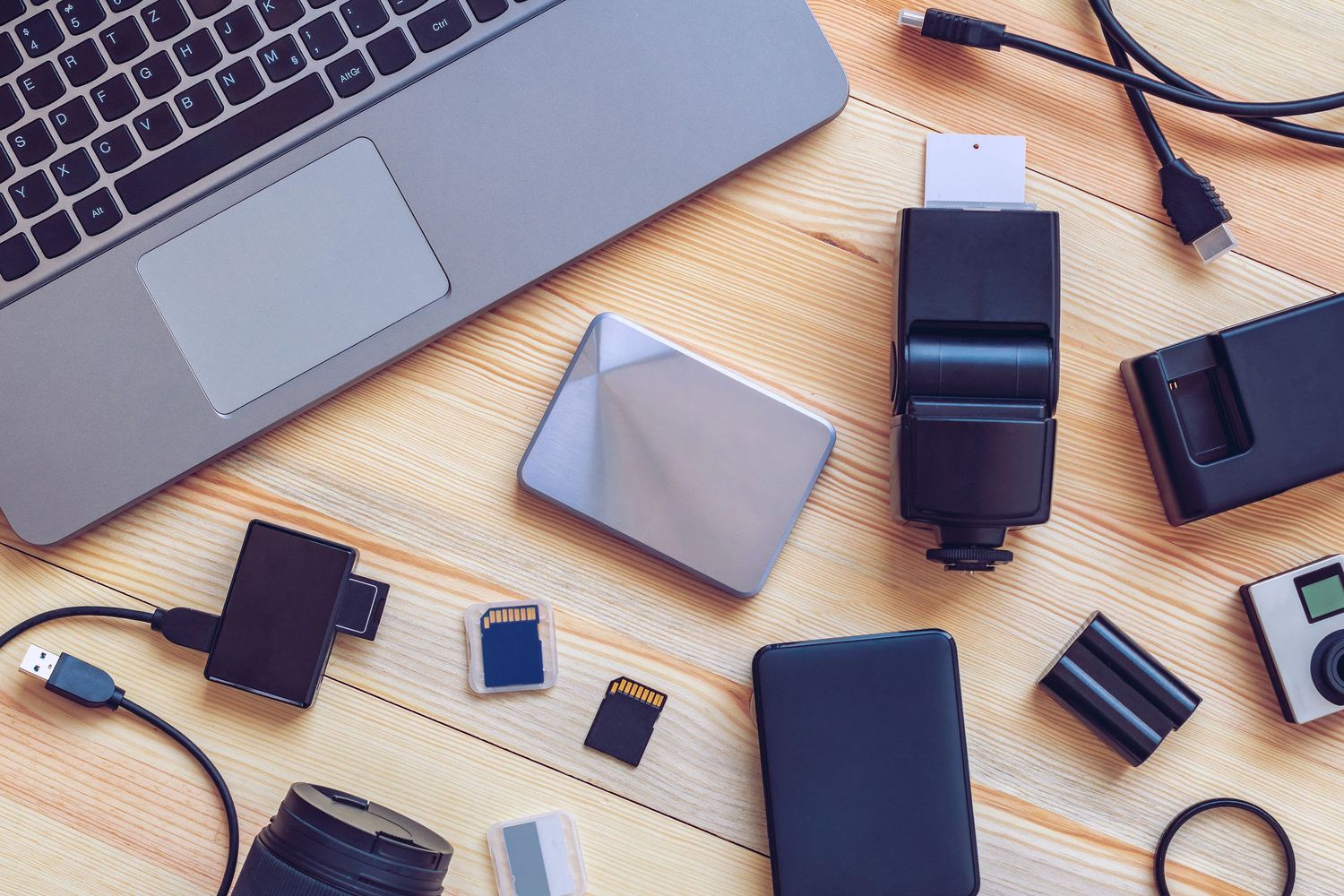
All current devices
All old media
All cloud accounts
Includes:
- Complete consolidation of your digital photo history
- Duplicate removal and careful curation
- Structured, searchable master archive
- Facial recognition (so you can instantly find loved ones)
- Searchable keywords for special events and seasons
- Two professional external hard drives (master + safety copy)
- Full setup of secure automatic backup systems
- One year of managed backup oversight included, starting once initial project is complete
This is your “one and done” solution.
Everything together.
Everything organized.
Everything protected.
Investment: Starting at $2,500

Include Your Family
Memories are a family affair. If your spouse, partner, or children are capturing their own photos, their devices can be included so their perspective becomes part of your shared archive. No stories lost. No moments forgotten.
Family Add-Ons:
- Add a Spouse/Partner — $250 (Includes phone + tablet or laptop)
- Add a Child/Teenager — $100 (Includes phone)
- Additional Cloud Account Sync — $125 (Example: Dropbox, Flickr, Shutterfly, etc.)
I set up secure connections so their photos flow into your family archive — where I carefully filter out screenshots and duplicates before adding their best memories to your master library.
Don’t let your favorite memories stay buried.
Your photos are more than just data—they are your family’s story.
Let’s move them out of "storage" and back into your life, organized and protected for generations to come.
Let’s Organize Your Photos TODAY

The Legacy Protection Maintenance Plan
Keep Your Archive Growing Beautifully
Organizing your history is just the beginning. Your family continues to make memories every day.
The Legacy Protection Plan ensures your digital archive stays clean, protected, and easy to enjoy — year after year. Think of this as having your personal Digital Archivist on retainer.
What’s Included:
- Ongoing management of your backup software subscriptions
- Monthly organization of new incoming photos
- Removal of screenshots, duplicates, and digital clutter
- Filing new memories into your existing Year/Month structure
- Quarterly backup health checks to ensure everything is secure
Instead of becoming overwhelmed again in a few years, your archive simply continues to grow — beautifully and safely.
Investment: $500 per year (or $49 per month)
Questions You May Be Wondering ~ FAQs
Do I have to give you my laptop or phone? I need these for daily use.
Not at all! I understand these devices are essential for your daily life and work. My Direct-Sync Process is designed to be completely non-disruptive, allowing you to keep your tech right where it belongs: with you.
To get your project moving, we’ll choose the setup that fits your schedule:
Remote Setup (20 mins): I’ll screen-share with you to securely configure Backblaze and Sync.com.
In-Studio Setup (30 mins): Bring your devices to my office. We’ll get everything linked in person, and you can drop off any legacy hard drives or old laptops for data extraction at the same time.
How it works:
For your Computer: We use Backblaze for an encrypted, automatic backup. Once authorized, it runs silently in the background as long as your Wi-Fi is on.
For your Phone: We’ll use Sync.com. Because iOS and Android handle files differently, I’ll set up a custom folder structure for your specific device to ensure every photo "teleports" to my workstation securely while you sleep.
Is my privacy protected?
Absolutely. Your memories are your own. I use museum-grade, encrypted software (Backblaze and Sync.com) that is significantly more secure than standard email or basic cloud storage. I only access the files for the purpose of organizing them, and I never share or move your data to unencrypted locations.
What if my computer or phone is really old?
That is exactly what I specialize in! If you have old "dead" laptops, USB sticks, or hard drives, you can simply drop them off with me. I have a professional toolkit designed to rescue data from aging hardware before it fails for good.
How and when do I pay for my project?
To make the process as seamless as possible, we use a tiered payment structure based on the size and complexity of your digital project:
Tier 1: The Essential: As these are focused, high-impact sessions, 100% of the project fee is due at the time of booking. This secures your date on the calendar and allows us to dive straight into the work on day one.
Tier 2: The Archive & Tier 3: The Digital Legacy Collection: For these larger, multi-phase projects, we use a 50/50 split:
50% Non-Refundable Retainer: Due upon signing your agreement to secure your project window and begin the initial Digital Audit.
50% Final Balance: Due upon completion of the organizing phase, prior to the final "Digital Handover" and training session.
Custom Estimates: If your project requires a custom quote (due to massive data volume or specialized platform needs), your specific payment milestones will be clearly outlined in your custom proposal.
Note: For your security and ours, final access to organized archives, password vaults, or curated libraries is released immediately upon receipt of the final project payment.
Will my photos be "shrunk" or compressed?
Never. Many free services (and even some paid ones) "optimize" your photos, which actually lowers the quality to save space. Tidy Memories only works with Unmodified Originals. Your 20-year-old memories will stay as crisp and clear as the day they were taken.
What is the "3-2-1 Safety Method"?
It is the gold standard of archiving. It means we keep 3 copies of your photos, on 2 different types of media (physical drives and the cloud), with 1 copy stored off-site. If a laptop breaks or a house fire occurs, your memories remain 100% safe.
What happens if I stop the Maintenance Plan?
The memories are always yours. If you decide to cancel the maintenance plan, I simply "hand over the keys" to your Backblaze and Sync.com accounts. You can then take over the monthly software subscription yourself, or download everything to your physical drives and close the accounts.
Do I have to buy my own hard drives?
For the Legacy and Archive tiers, I provide the high-speed, professional-grade external drives for you. I handle the research to make sure the drives are reliable and have enough space for your entire life’s history.
Can you find specific people, like my grandkids?
Yes! In our Legacy Tier, I utilize professional AI facial recognition. Once I tag "Grandma" or "The Kids" once, the system finds them across all 50,000+ photos instantly, making your library searchable by name.
Ready to Bring Order to Your Digital Photo Chaos?
Let’s transform your scattered digital memories into a beautifully organized, easy-to-navigate photo library. Whether you’re overwhelmed by years of photos or just need help getting started, I’ll guide you through every step with care and expertise.